
 Join our Discord
REDHUB Smokes — Ritual Campfire & Colored Ceremonial Smoke (VORP)
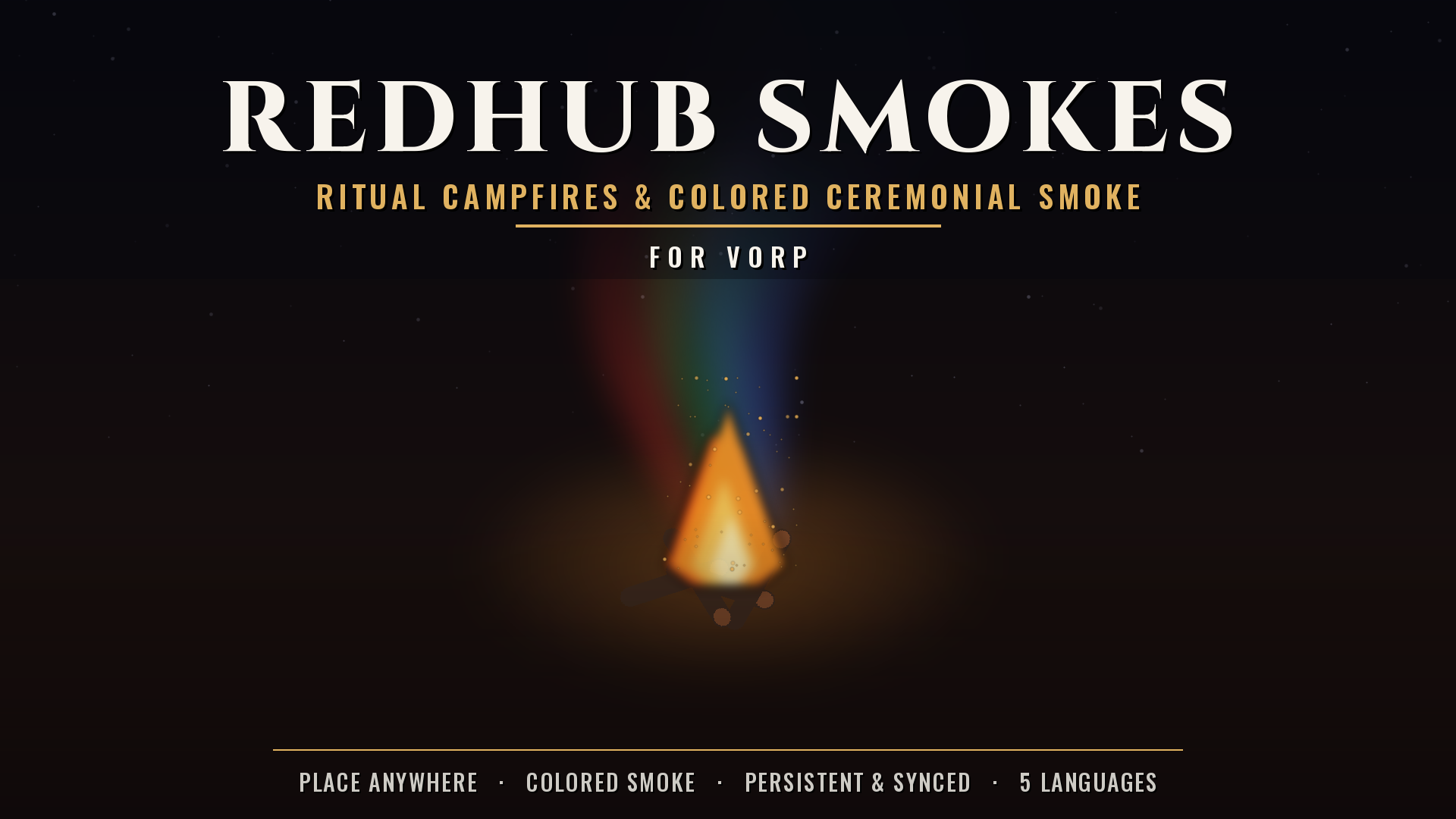
REDHUB Smokes is a lightweight, fully open RedM resource for VORP that lets players place persistent ritual campfires anywhere in the world and bring them to life with colored ceremonial smoke. Players carry "ritual dust" items, throw them into a nearby campfire, and the smoke column changes color for a set time before fading back to its natural grey. Every campfire is saved to the database and shared with all players in real time.
Perfect for shamans, native camps, mystic ceremonies, signal fires, faction meeting points or any roleplay that needs an atmospheric, interactive fire.
How It Works (step by step)
-
Placing a campfire. A player uses the campfire item (
fogata_ritualby default). A semi-transparent preview of the campfire appears in front of them, and a small on-screen control panel (NUI) shows the placement keys.- Arrow keys move the campfire on the ground.
- 1 / 2 rotate it.
- Enter confirms · G cancels. The preview snaps to the ground automatically as it moves.
- Confirming. When the player confirms, their character plays a short kneeling/lighting animation, the real campfire prop spawns on the exact spot, it is saved to the database, and it is synced to every connected player so everyone sees it.
-
Interacting. When a player stands close to any campfire, a hold-prompt appears in the bottom-right:
- Hold [right prompt] — Perform ritual: opens the smoke ritual menu.
- Hold [left prompt] — Put out campfire: plays an inspect animation, removes the campfire and deletes it from the database for everyone.
-
The smoke ritual. The ritual menu (centered NUI window) reads the player's inventory and shows only the ritual dusts they actually carry, each with a colored dot and the quantity owned. Selecting one:
- consumes 1 dust from the inventory,
- plays a throwing animation,
- tints the campfire's smoke to that dust's color at its configured size,
- and keeps that color for the dust's duration, after which the smoke returns to the default grey. All color changes are broadcast to every player, so the effect is fully synchronized.
- Persistence. On server start the resource loads every saved campfire from the database. When a player joins (or the resource restarts), all existing campfires are re-spawned for them automatically. When the resource stops, props and particle effects are cleaned up safely.
Features
- Free placement with live ghost preview, ground snapping, move, rotate, confirm and cancel — all on native controls.
- Persistent & synced — campfires are stored in MySQL and shared with everyone in real time; they survive restarts and reconnects.
- Colored ceremonial smoke — four ready-to-use dusts (red, green, blue, dark) driving a tinted particle-effect smoke column.
- Inventory-aware ritual menu — only shows the dusts the player owns, with live counts and a color swatch per option.
- Timed effects — each dust colors the smoke for a configurable duration, then reverts to the default smoke automatically.
- Native interaction — hold-prompts to perform the ritual or put out the fire; no target system required.
- 5 languages — English, Spanish, Italian, Portuguese and German, switchable from the config.
- Fully configurable — items, prop model, control keys, interaction distance, default smoke, and per-dust color / size / duration.
- Clean & open — no comments, no decorative markers, fully open files (no escrow encryption).
Items you need (VORP inventory)
Create these items in your vorp_inventory database (names are configurable):
-
fogata_ritual— the campfire item used to place a fire. -
polvo_rojo— red ritual dust. -
polvo_verde— green ritual dust. -
polvo_azul— blue ritual dust. -
polvo_oscuro— dark ritual dust.
Each dust's color, smoke size and how long it lasts are defined in config.lua under Config.RitualItems, so you can recolor, resize, retime or add your own dusts freely.
Configuration (config.lua)
-
Config.Locale— interface language:en,es,it,pt,de. -
Config.CampfireItem— the placement item name. -
Config.CampfireProp— the campfire prop model. -
Config.DoubleClickWindow— double-use window (ms) for the item shortcut. -
Config.InteractDistance— how close you must be to interact with a campfire. -
Config.Keys— the controls used during placement (move / rotate / confirm / cancel). -
Config.DefaultSmoke— the natural smoke color and size when no dust is active. -
Config.RitualItems— per-dustcolor,scaleandduration(ms).
Installation
- Drop the
redhub_smokesfolder into yourresources. - Import
install.sql(creates theredhub_smokes_campfirestable). - Add the items (
fogata_ritualand the dusts) to yourvorp_inventory. - Add
ensure redhub_smokesto yourserver.cfg.
Dependencies
- vorp_core
- vorp_inventory
- oxmysql
Compatibility
- Framework: VORP
- Game: RedM
REDHUB Smokes — light the fire, throw the dust, color the sky.